Order Tracking
How to answer “Where is my order?” automatically on Shopify

Siddhartha Sharma
Founder, Novatech Digital
Ask any store owner which question arrives most often and the answer is usually the same: “Where is my order?” It is simple to answer, but it arrives all day, on WhatsApp, email and chat, and each reply means opening Shopify and copying a tracking link.
Here is how to automate order tracking on Shopify without putting customer data at risk.
Why order questions pile up
Shoppers ask about orders when they feel unsure: the courier has not updated, the delivery date passed, or they simply lost the confirmation email. The question is not hard, but the volume is, and slow replies turn a small worry into a refund request.
Step 1: Let shoppers ask in their own words
A shopper should be able to type “where is my order 1042” or “my parcel hasn’t come” in the chat on your store. The assistant picks out the order number and knows what the shopper wants.
Step 2: Verify before showing anything
Order details are personal. Before the assistant shows anything, the shopper confirms the email address or phone number on the order. If the details do not match, nothing is shown. This one step is what makes automated order tracking safe.
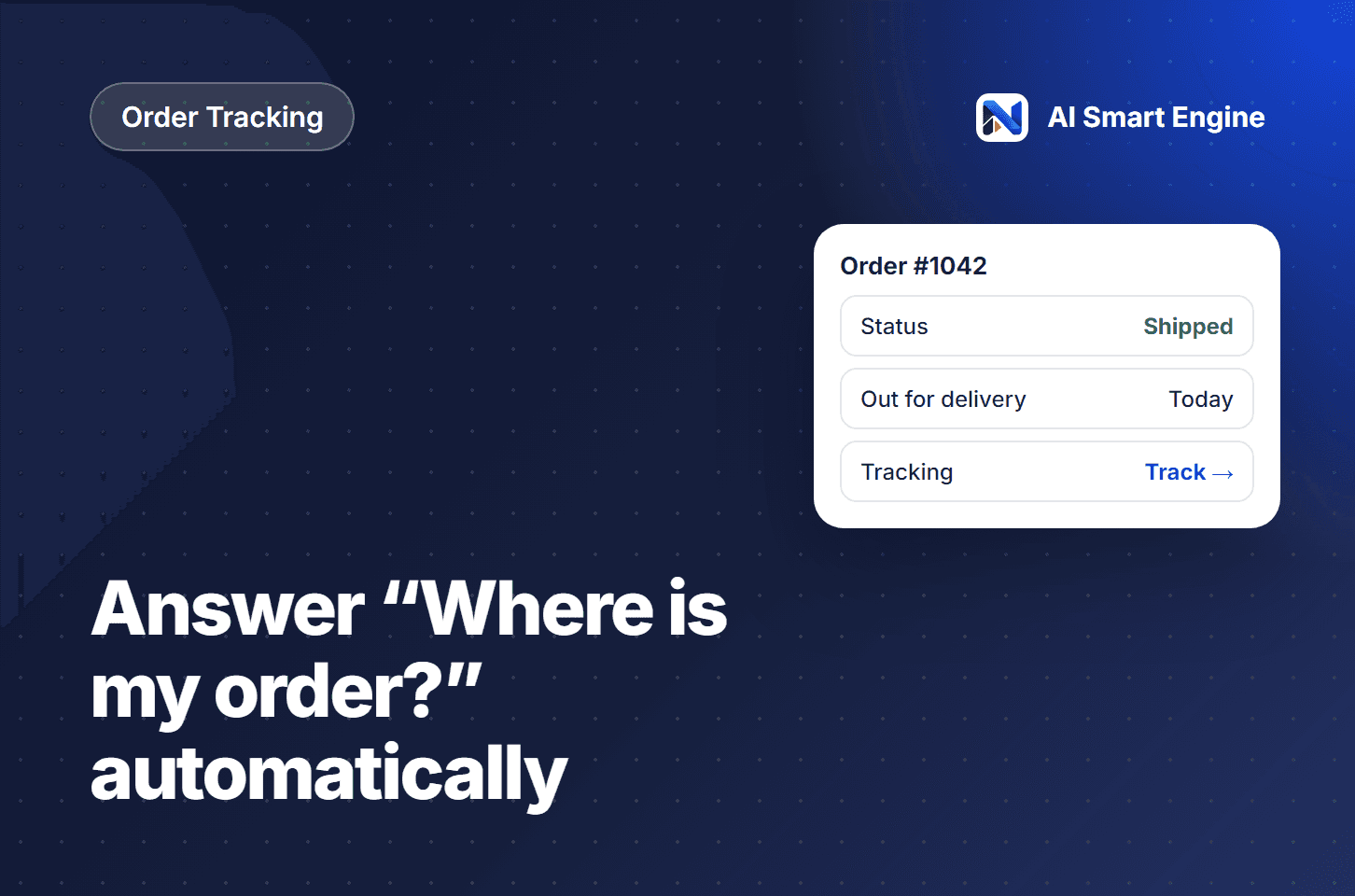
Step 3: Show a clear order card
Once verified, the reply should be a card, not a wall of text:
Order number and current status, such as Shipped or Delivered
The items in the order
The courier and a direct tracking link
A link to the full order status page
Step 4: Hand off what needs a person
Damaged parcels, wrong items and refund requests need your team. When the assistant cannot solve a problem, it should create a support ticket with the conversation attached, so nobody has to ask the shopper to repeat themselves.
How AI Smart Engine does it
Mira, the AI Smart Engine assistant, tracks orders right inside the chat: shoppers verify with email or phone, then see the status, items and tracking link. Questions it cannot answer become support tickets, and they sync to Freshdesk if your team uses it.
Want to see this working on your own store? Book a demo and we’ll walk you through it.